A few years back, I was losing 1 to 2 hard drives a year, every year. I was purchasing quality drives (for consumer grade..), and it did not seem to matter if a drive was internal or external, the life span was just junk.
Your computer’s parts are highly sensitive pieces of equipment in terms of power. They operate correctly in a narrow range of voltage levels and wattage. Giving your hard drives or motherboard a bit too much juice or just a tad too little, and your hardware could become damaged.
There are three basic problems with power that you could encounter. I’ll bet you’ve only heard of these two:
- A surge or spike in power – this is when something goes wrong up the line from your house, such as a lightning strike nearby, and far too much power comes down the line to your house. This is protected for by a surge suppressor.
- A brownout or blackout – this is when power cuts off or dips enough below regular levels that your computer shuts off, potentially losing data while you were in the middle of something. We protect against this with a battery backup system (aka: ups system).
The third problem that you can encounter with power is voltage regulation issues. That is, when your voltage level at your socket isn’t quite what it should be during certain times. You can occasionally see a dip or spike in voltage levels around your house if you see your lights dim slightly or become brighter for a moment every time some large appliance (or, in our case, our A/C system) puts a huge burden on the power system as it powers up.
In my house, when my A/C kicks on, the voltage to my sockets drop or rise from 120v to something a few volts lower or higher, many times per day in the summer. Over time these “dirty power” fluctuations take their toll on your computer and other electronic equipment in your house, and in some cases ruin your equipment. The dirty power in my house and my apartments previous to the house were regularly eating my hard drives.
For voltage regulation issues, you need a voltage regulator. A voltage regulator is a device that maintains a constant voltage rate, in other words: clean power. It instantly dumps off excess power or boosts the power enough to maintain a constant clean power source that you otherwise would not have.
Most battery backup systems also have surge suppression built in, and some high end battery backup systems also have voltage regulators built in, but not all. Further, some high end power supplies for your computer may have some amount of voltage dip/spike tolerance built right in, but most do not, and you’re almost guaranteed that the $5 wall-wart power supply for your $50 external hard drive enclosure has no such protection built in at all.

The voltage regulator I bought was about $50. I bought this model: the APC LE1200. The voltage regulator has a plug for the wall, and 4 sockets on the back of the unit. It also has three LED indicators on the front of the unit that indicate dirty and clean power situations: high, low, and just right. The unit makes a satisfying (but not too loud) “click” sound when it jumps into compensation mode for high or low input. I can always tell my A/C is about to come on in a few seconds when I hear that click.
I haven’t lost a hard drive since I purchased my voltage regulator almost 4 years ago.
If you don’t have $50 to burn on a theory for your outlets feeding your computer, entertainment center, and so on, I would highly recommend buying a kill-a-watt for $20 and checking out your voltage levels around the house or apartment from time to time.
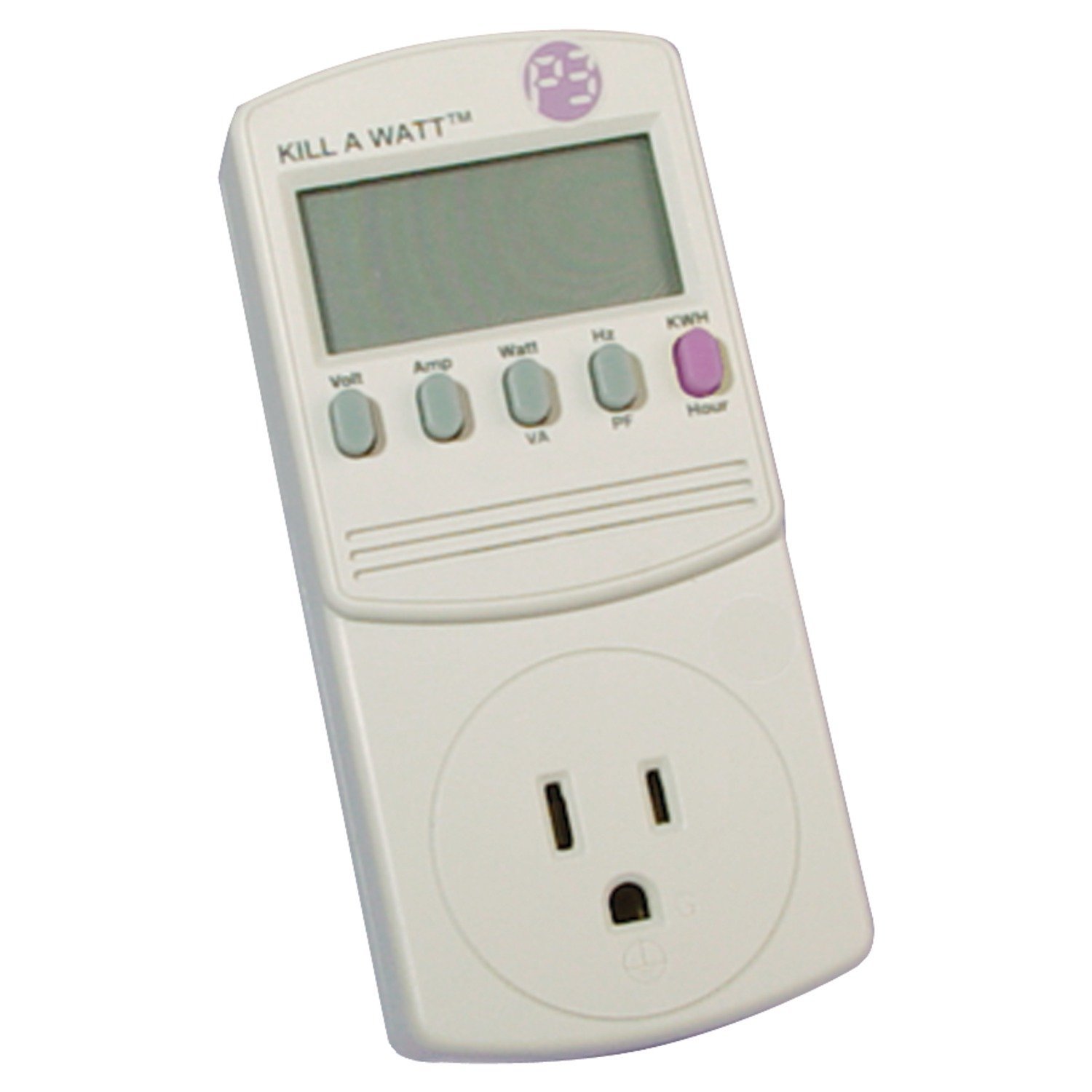
A kill-a-watt is an amazing device for learning about power consumption and dirty power. In voltage mode, you’ll be able to see your voltage drop from 120 to 118 when a dirty power event hits, and in the far more useful wattage modes you’ll be able to see precisely how many watts are drawn by your entertainment center in an instant. The kill-a-watt also features a KWH counter which is very useful to see usage over time, you simply leave the kill-a-watt between your outlet and your plug, and check it a few days later to see how many KWH of power your devices have eaten.